

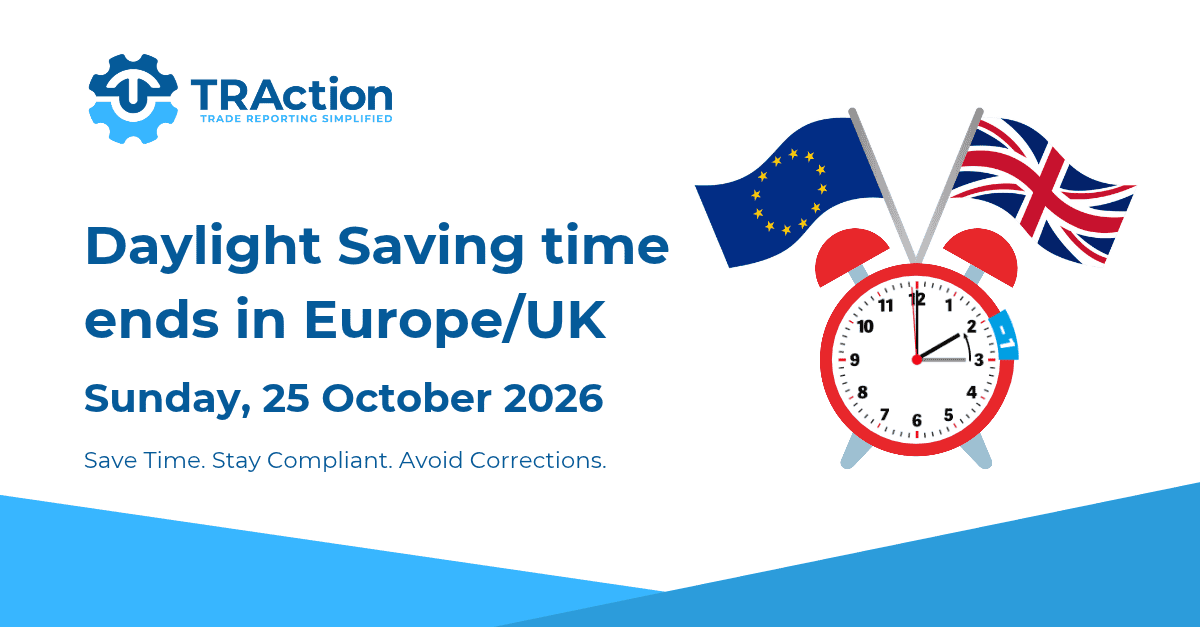
In the UK and most European countries, Daylight Saving Time (DST) ends on Sunday, 25 October 2026, at 01:00 Coordinated Universal Time (UTC). As clocks go back one hour, please also ensure your trade/transaction reporting continues to reflect the correct time.
Here are 2 tips to help you ensure your trades/transactions are reported at the correct time:
1. Check the time fields in your first post-DST handback files
You will receive the first post-DST handback files on Tuesday, 27 October 2026.
The UK’s FCA has previously raised concerns with inaccurate trading date time submissions (in Market Watch 59) during DST changes and advised firms to have arrangements in place to maintain consistent, accurate reporting.
Luxembourg’s CSSF also performed data quality tests on transaction reports and identified cases where the local time was reported instead of UTC. More recently, the CSSF emphasised that close monitoring of feedback files should be the primary basis for validating the accuracy of reports.
Firms should synchronise their business clocks to record date and time in UTC as stipulated in both the ESMA and FCA regulations. It is important to do the following checks and act promptly if there is any problem.
EMIR and MiFIR
You will need to cross-check the time of your trades/transactions against the UTC time recorded in the following fields of your LSEG Post Trade Repository (TR) and Approved Reporting Mechanism (ARM) handback files:
- MiFIR – Trading Date Time field
- EMIR – Execution Timestamp field
SFTR
You will need to cross-check the time of your trades/transactions against the UTC time in the following field of your DTCC handback files:
- SFTR – Execution Timestamp field
How to check?
- Select a sample of trades executed on or after 25 October 2026, 01:00 Coordinated Universal Time (UTC) from your raw data and convert the time to UTC; and
- Compare the converted times against the UTC time populated in the fields as listed above in your handback files.
If the time does not match, please contact us.
2. Check the time recorded for your daily snapshot (if applicable)
For firms that submit a daily snapshot for trade/transaction reporting, double check that it is still being generated at the intended end-of-day time, as scheduled jobs set to local time may shift by one hour relative to UTC.
Completing these checks helps avoid corrective submissions and minimises the risk of future breaches.
If you have any concerns or are unsure how to carry out these checks, please contact us.
